You can add House Types to plots within Speculative Housing & Partnership Residential if required. This is an optional field & can be left blank if preferred.
Adding a House Type
Step 1: Within Admin select House Types
Step 2: Select + New House Type
Step 3: Enter the name
Step 4: Submit
OR
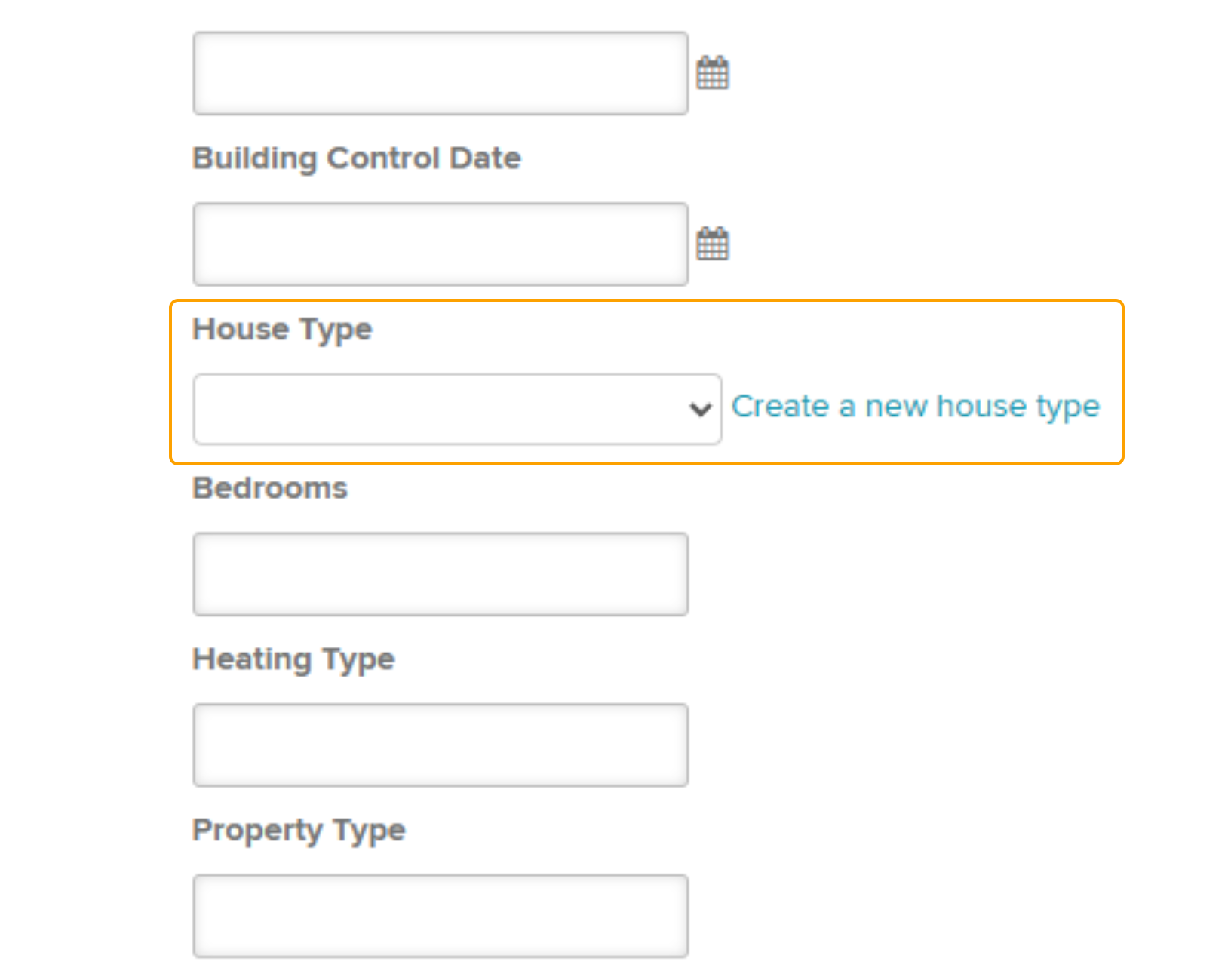
Within the plot 'Edit' section, scroll down to 'House Type' and click 'Create a new house type'.
Amending or Deleting a House Type
You can edit individual House Types by selecting the pencil icon or delete with the bin icon.

Changing the House Type
To add or amend a House Type for an existing plot, navigate to the plot and select Edit.

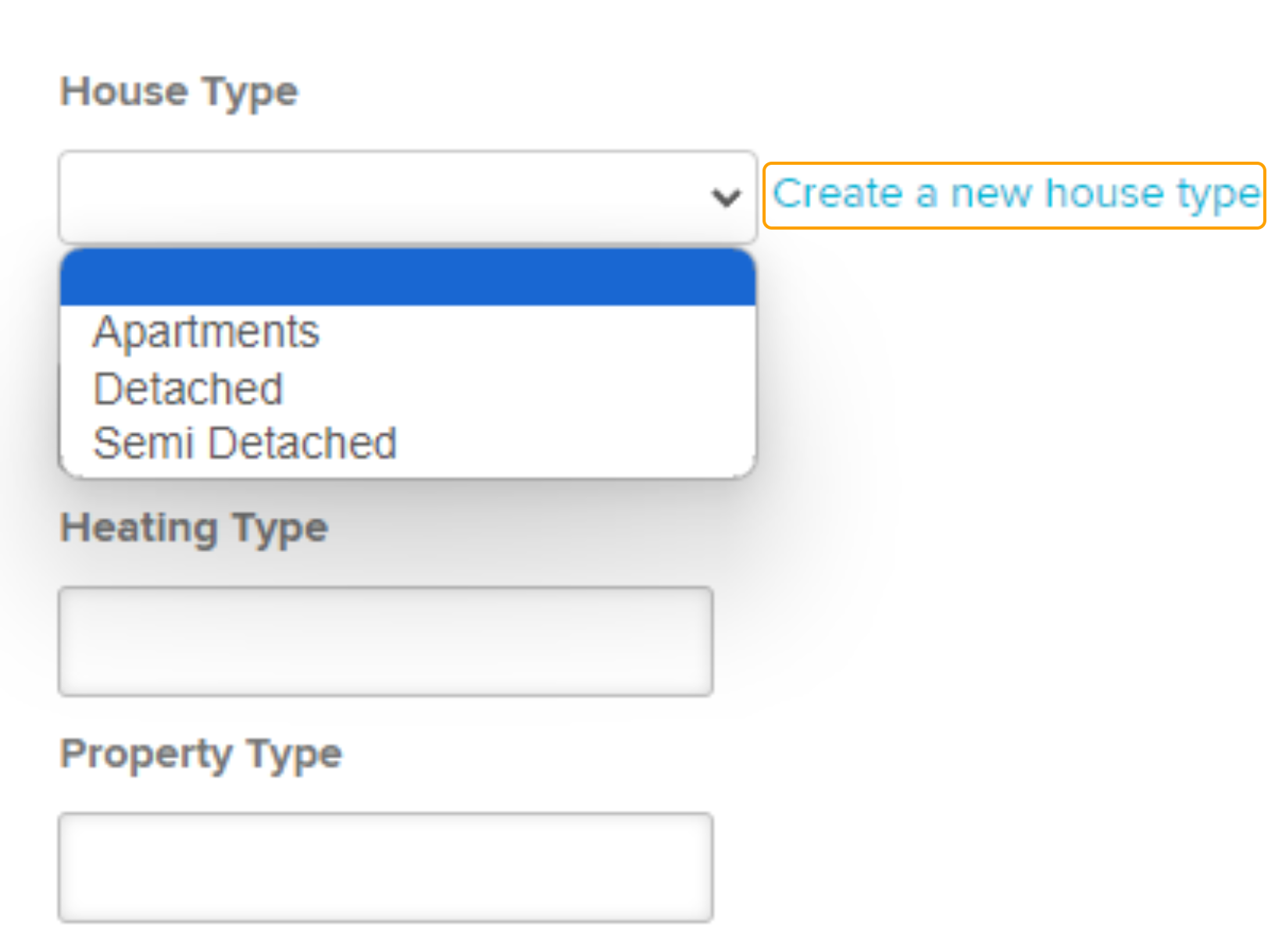
Scroll down to 'House Type' & select from the drop-down to select the new type, then click Submit.
If the type is not available, select Create a new house type which will present a pop up for you to create a new type.
Was this article helpful?
That’s Great!
Thank you for your feedback
Sorry! We couldn't be helpful
Thank you for your feedback
Feedback sent
We appreciate your effort and will try to fix the article