Within Commercial, you can add new Projects for your Clients if required.
This can only be done by an Admin.
Adding a New Project
Step 1: Navigate to Admin > Your Clients > Select a Client
Step 2: Select + New Project and complete fields.
The below are mandatory fields
- Name
- Handover Date
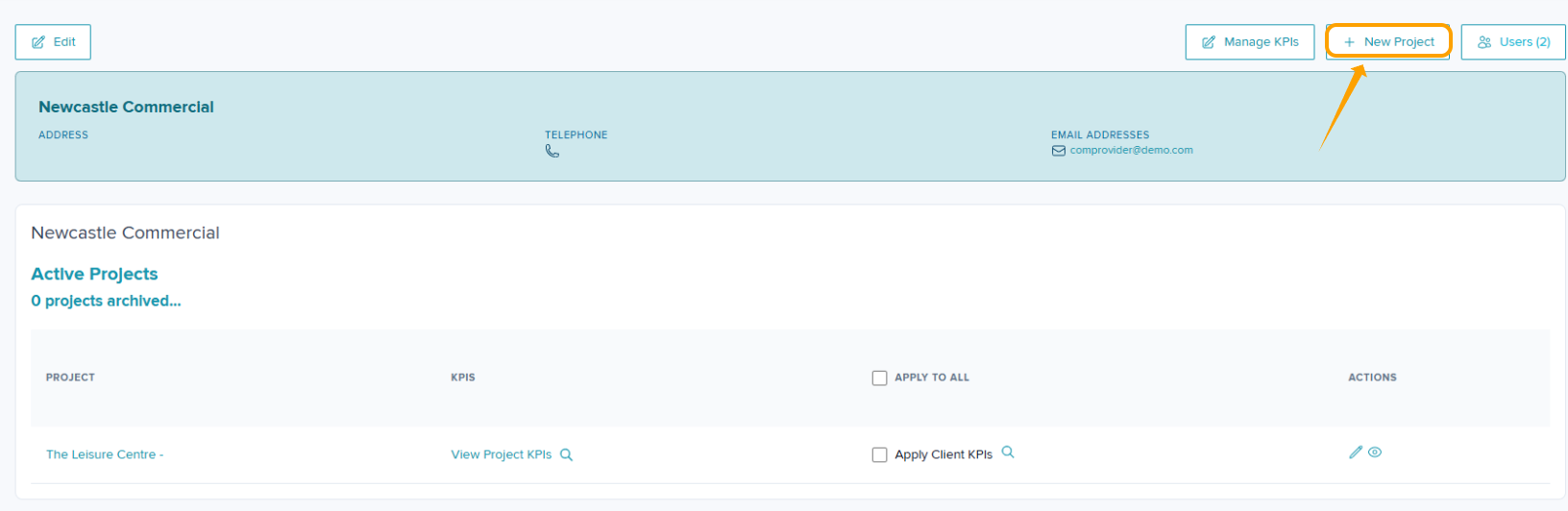
Step 3: Click Submit
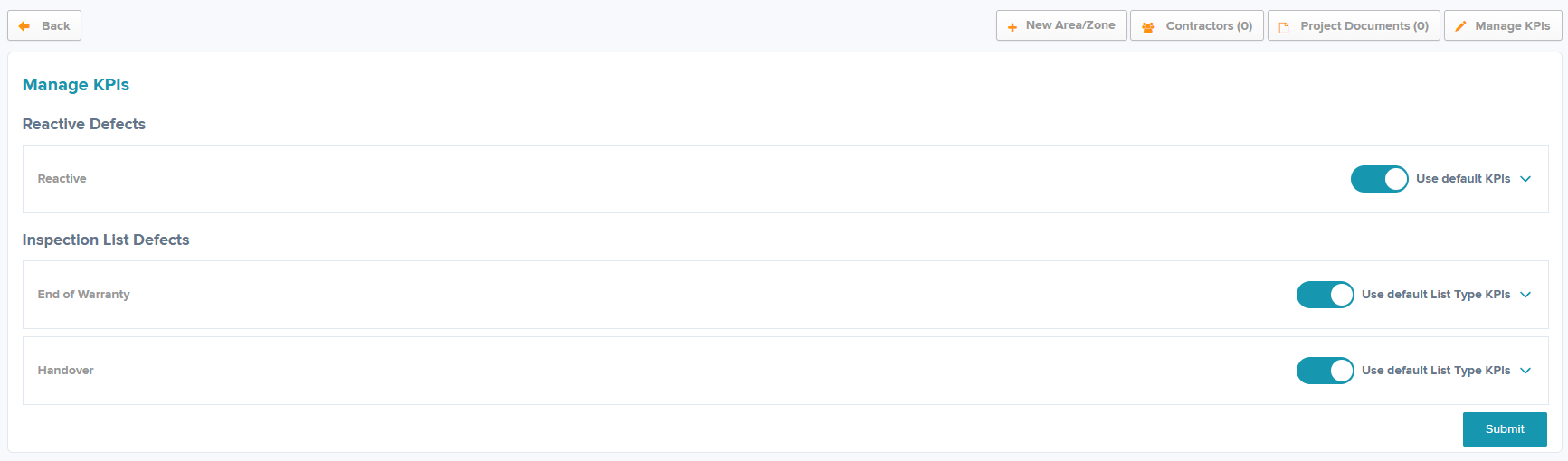
Step 4: Set your KPIs
See this support article for further help with KPIs Amending Project KPIs in Commercial Projects
Adding a new area/zone
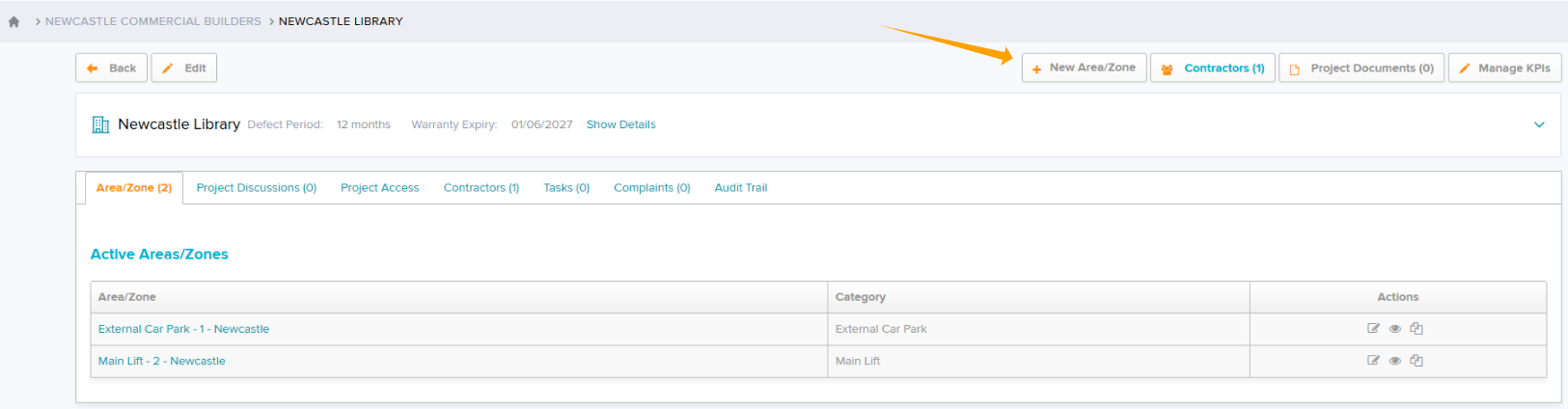
Step 1: Within Project view select + New Area/Zone
Step 2: Complete all necessary fields.
Step 3: Click Submit
Was this article helpful?
That’s Great!
Thank you for your feedback
Sorry! We couldn't be helpful
Thank you for your feedback
Feedback sent
We appreciate your effort and will try to fix the article