The Resident Portal is an advanced feature. If you would like information please speak with your Account Manager.
The resident portal allows your plot contacts to have access to their own portal where they can view their plot details, find documents, view appointments, create discussions and be given the option to raise their own Defects.
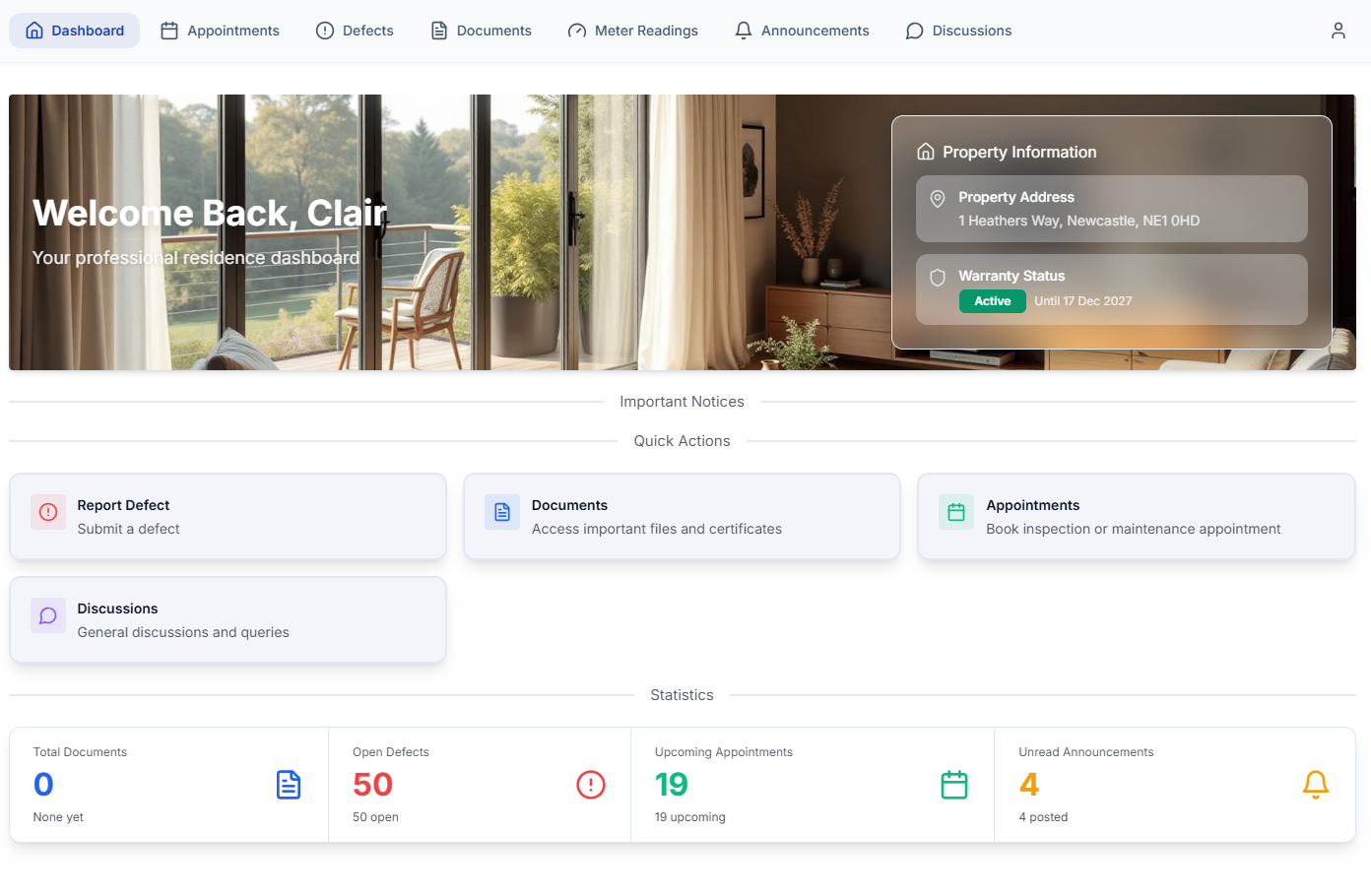
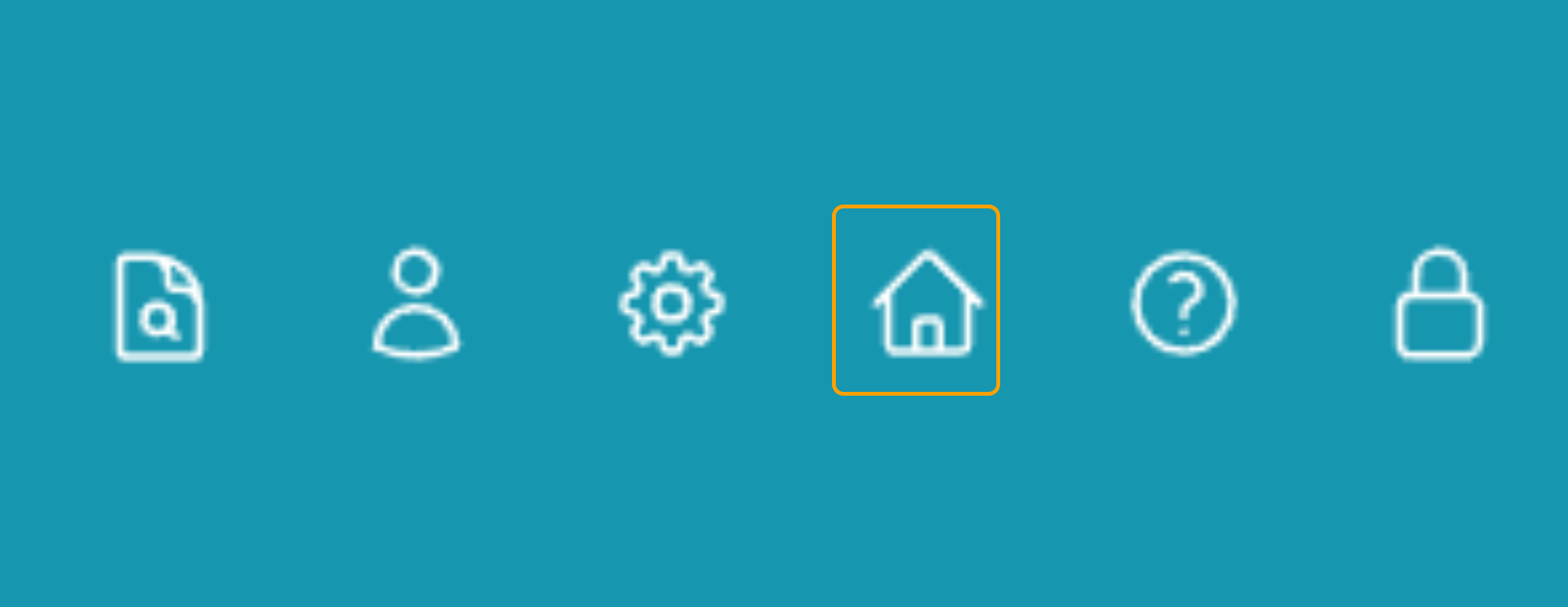
You can access and manage your resident portal by clicking the house icon on the top right hand corner of your account. Only users with this setting turned on can access this section. To get this turned on please contact your Account Manager.
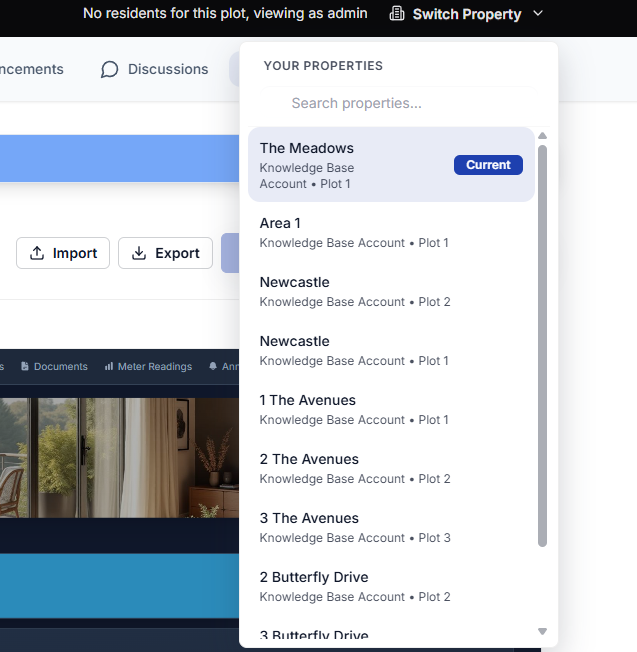
Once here you can view what the portal will look like per plot by selecting Switch Property. Using this you can view exactly what your plot contacts can see.
Settings
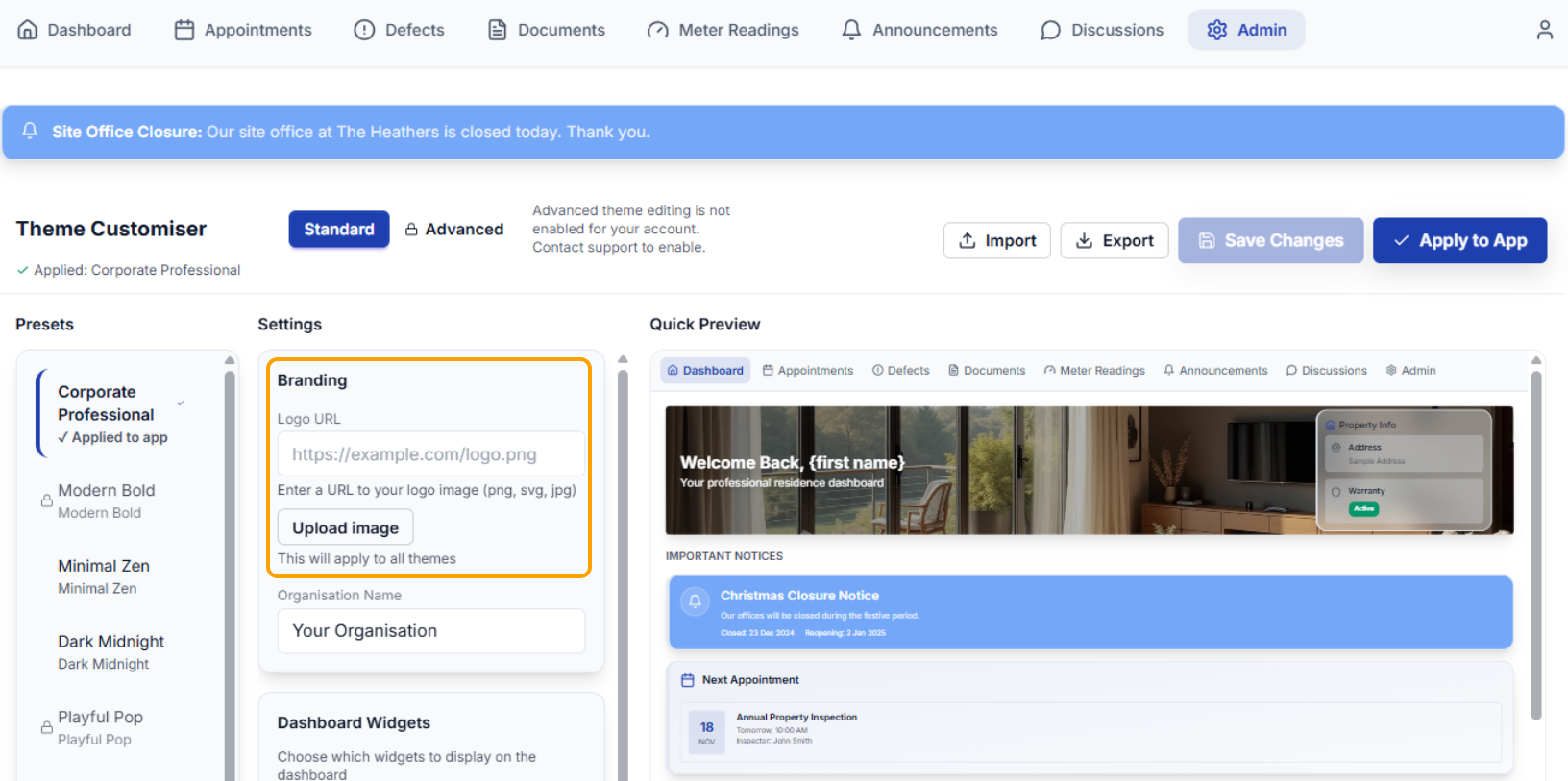
By selecting the Admin tab you can manage the look of your portal. With Standard you have access to 3 presets; Corporate Professional, Minimal Zen and Dark Midnight. Below shows the Dark Midnight preset.
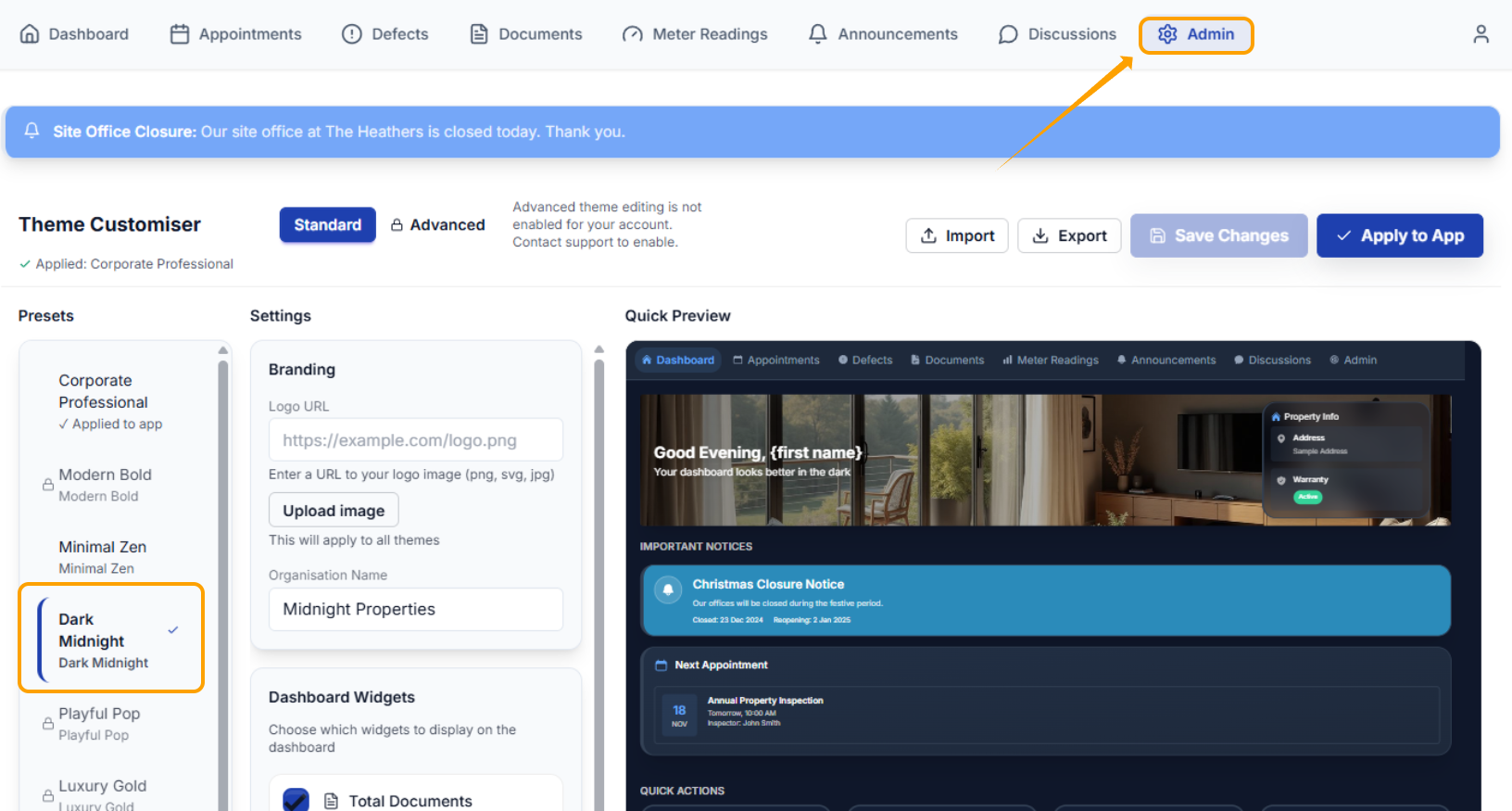
Within the settings you can change your add/change your logo by selecting upload image. this then shows in the top left within the tool bar.
Amend Dashboard Widgets by simply unticking/ticking the box to remove or add that function.
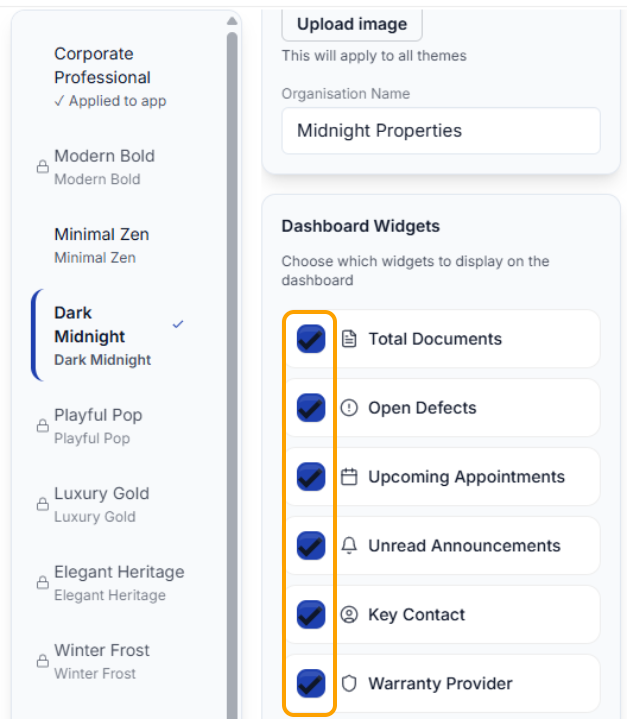
Other functions such as key contact, warranty provider and the splash image are managed within your clixifix account. Splash images should be (W) 1920px X (H) 600px.
Was this article helpful?
That’s Great!
Thank you for your feedback
Sorry! We couldn't be helpful
Thank you for your feedback
Feedback sent
We appreciate your effort and will try to fix the article