Our Defect Summary Assistant is a standard feature included with your account.
It does not require tokens to operate.
The Defect Summary Assistant is designed to help Customer Care teams quickly understand the key information associated with a reported Defect. This can help improve efficiency, support decision-making and ensure that relevant information is easily accessible when reviewing or progressing Defects.
This guide explains how to use the Defect Summary and review the information it generates.
Step 1: View the Defect you wish to summarise.
Step 2: Next select 'Generate Summary' shown below:
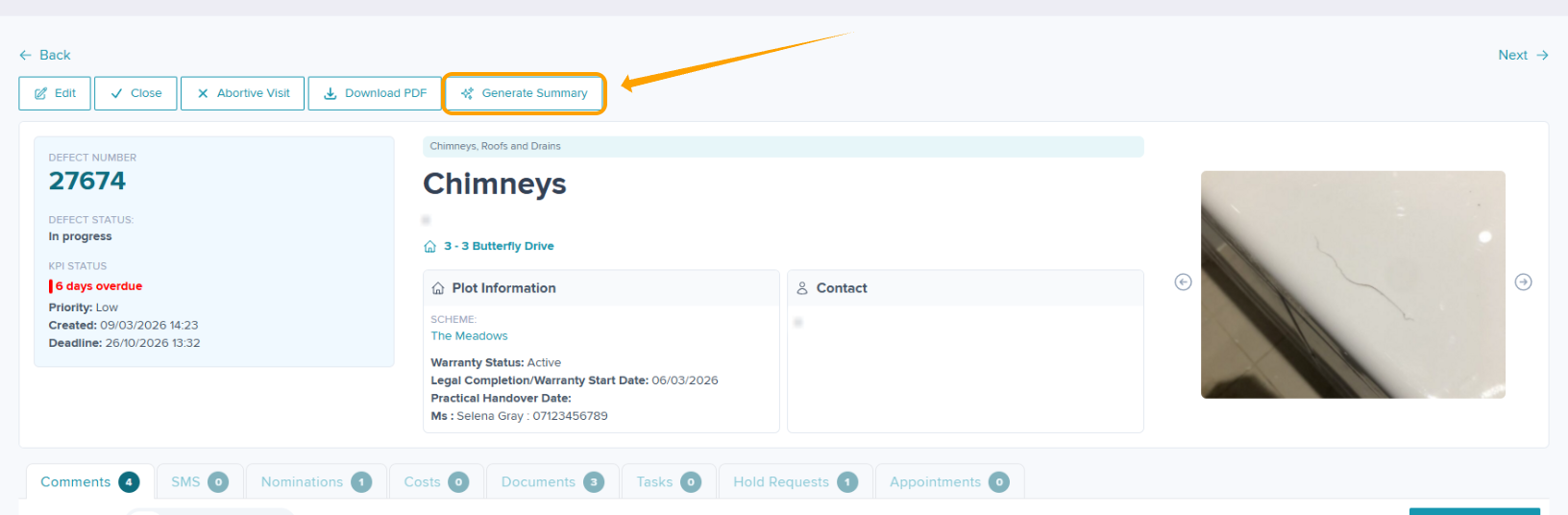
The Defect will be summarised from the available information based on the the comments & Nominations and produce a condensed overview.
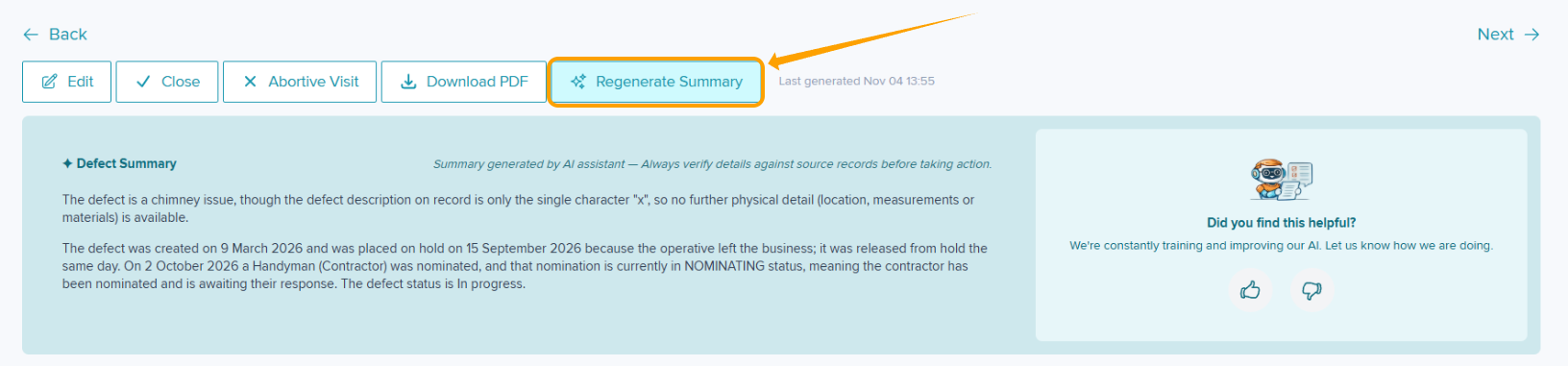
After the summary has been generated, review the information displayed. You will be able to see the time of generation, and the option to rate the response will be available.

When a Defect has had a summary generated previously, click 'Regenerate Summary' to ensure that your summary is up to date for referencing.
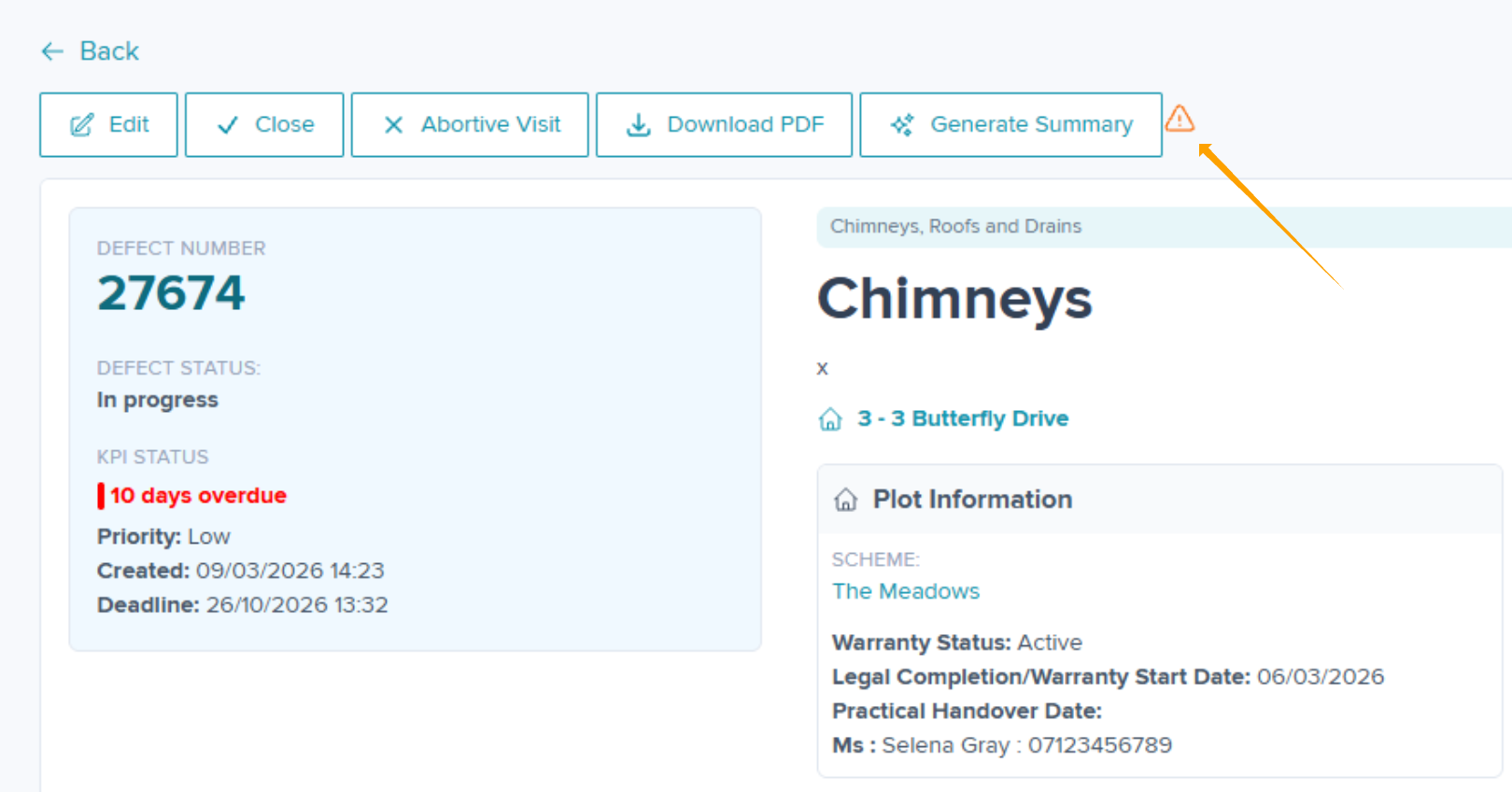
When there has been a further change to the Defect e.g. New Nomination, the current Defect Summary will disappear and a prompt will appear as shown below to advise to run the summary again.
Was this article helpful?
That’s Great!
Thank you for your feedback
Sorry! We couldn't be helpful
Thank you for your feedback
Feedback sent
We appreciate your effort and will try to fix the article