Defects logged for your plot since your legal completion start date, will be visible in the Resident Portal.
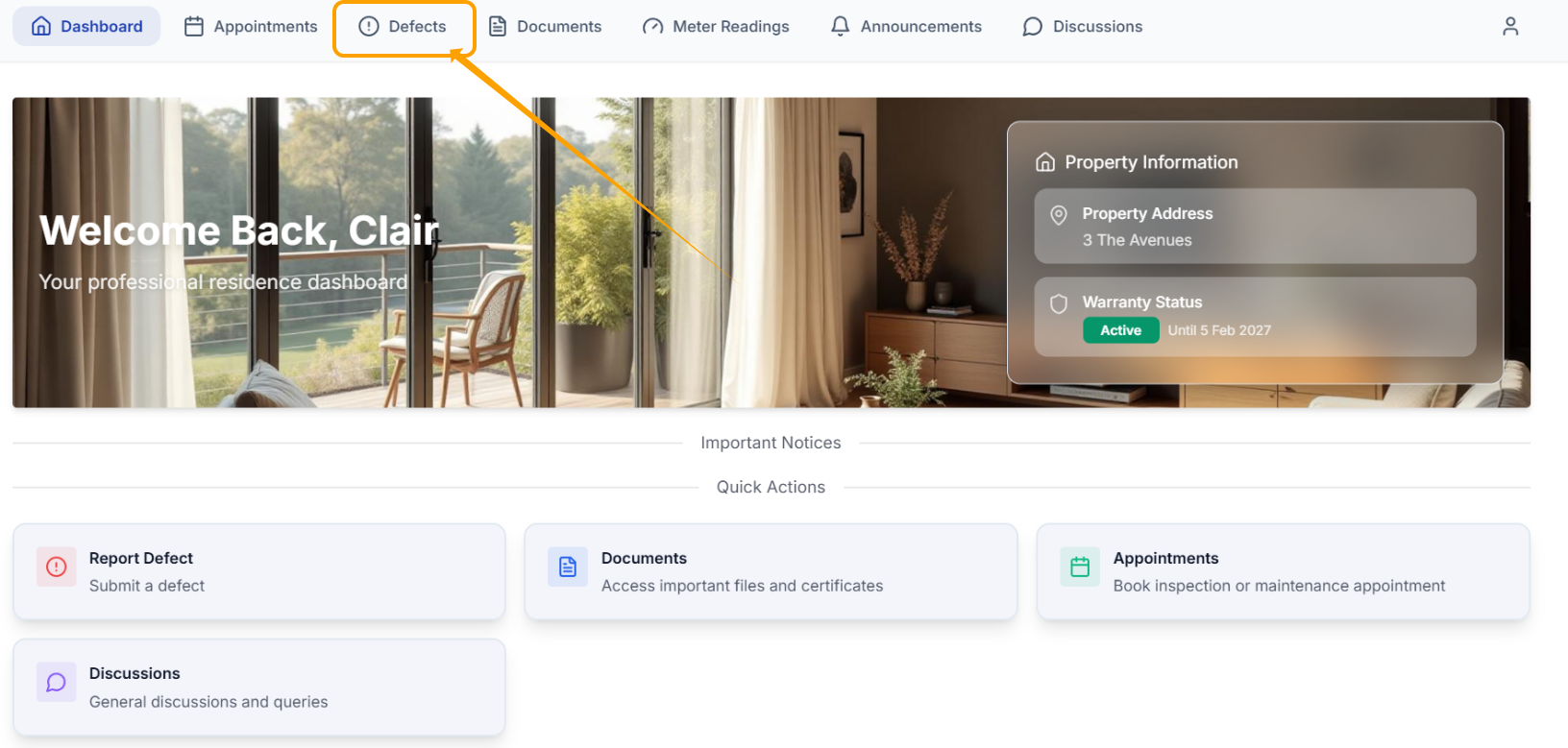
To view your Defects, select 'Defects' on the toolbar.
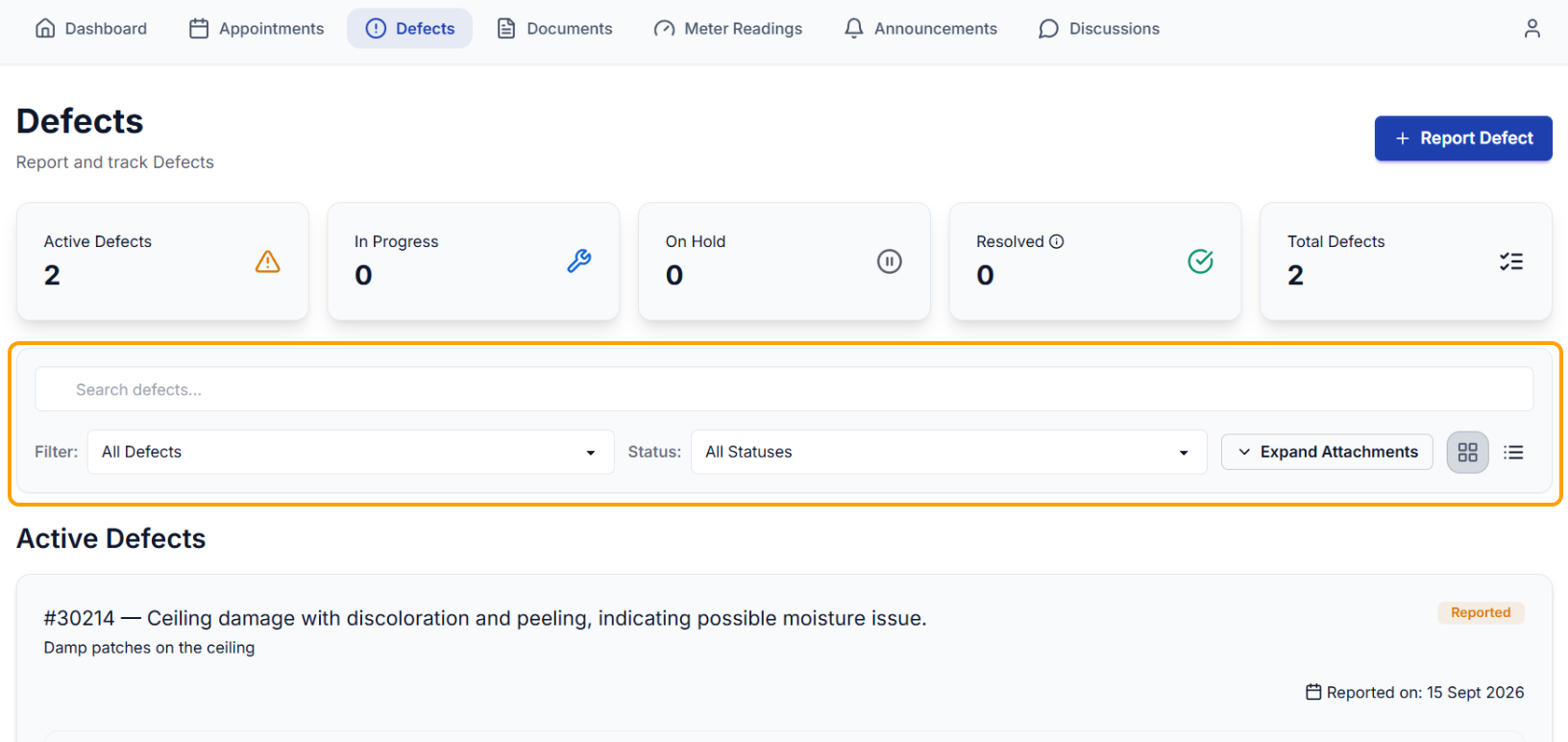
There are filter & search options available in the Defects tab to help you easily locate Defects.
You can also click the headers to view Defects by status e.g. In-Progress/On Hold etc.
Was this article helpful?
That’s Great!
Thank you for your feedback
Sorry! We couldn't be helpful
Thank you for your feedback
Feedback sent
We appreciate your effort and will try to fix the article